
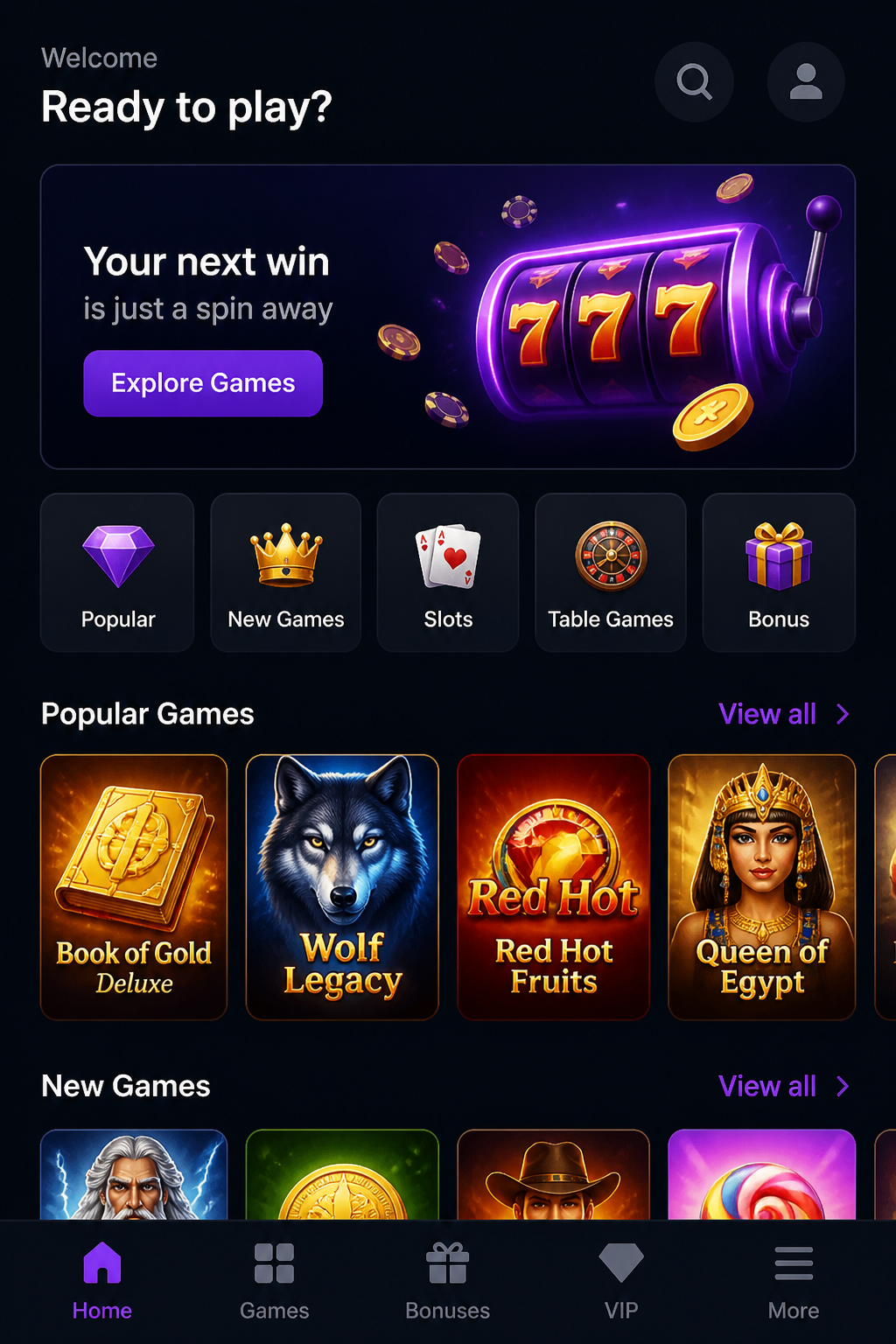
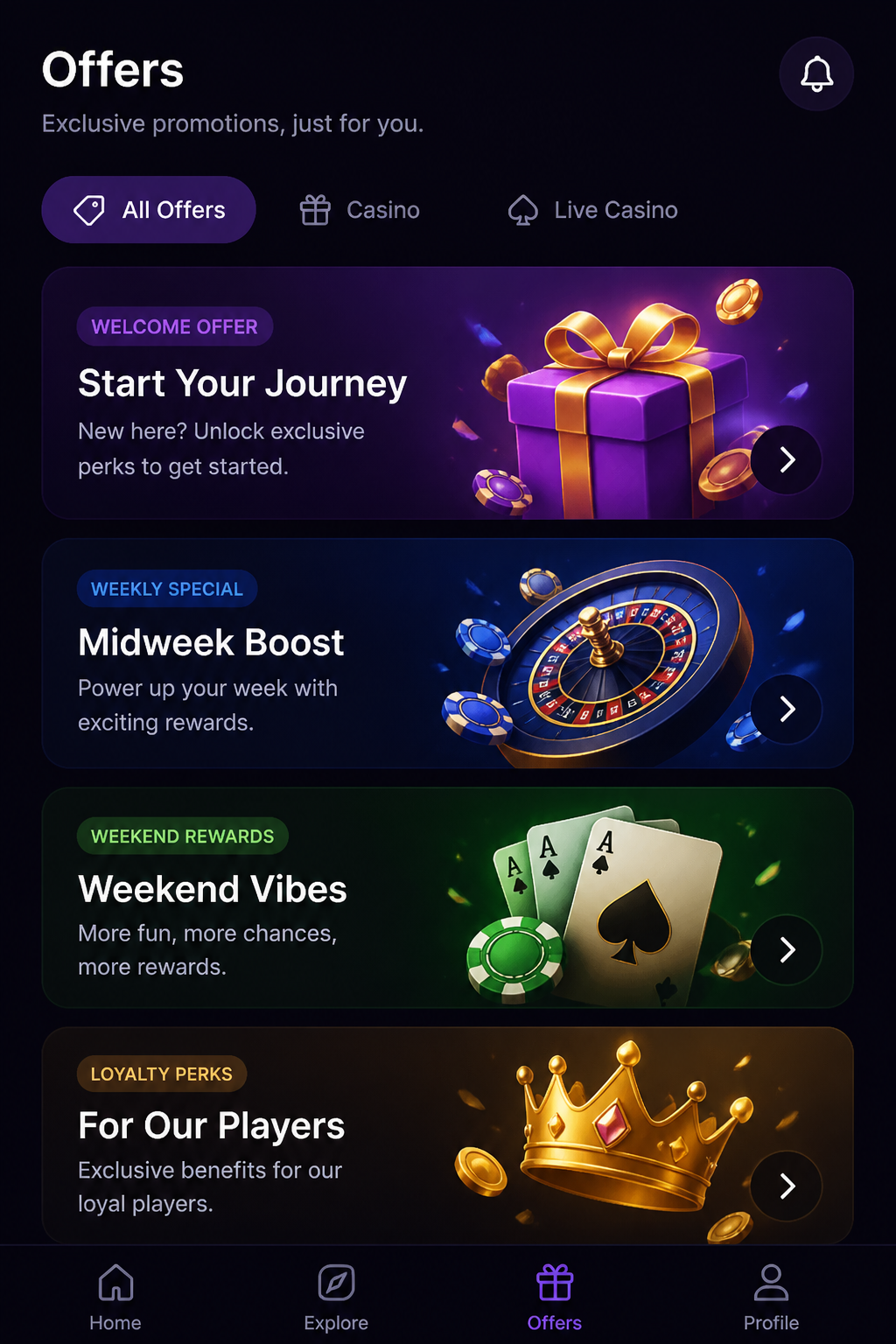
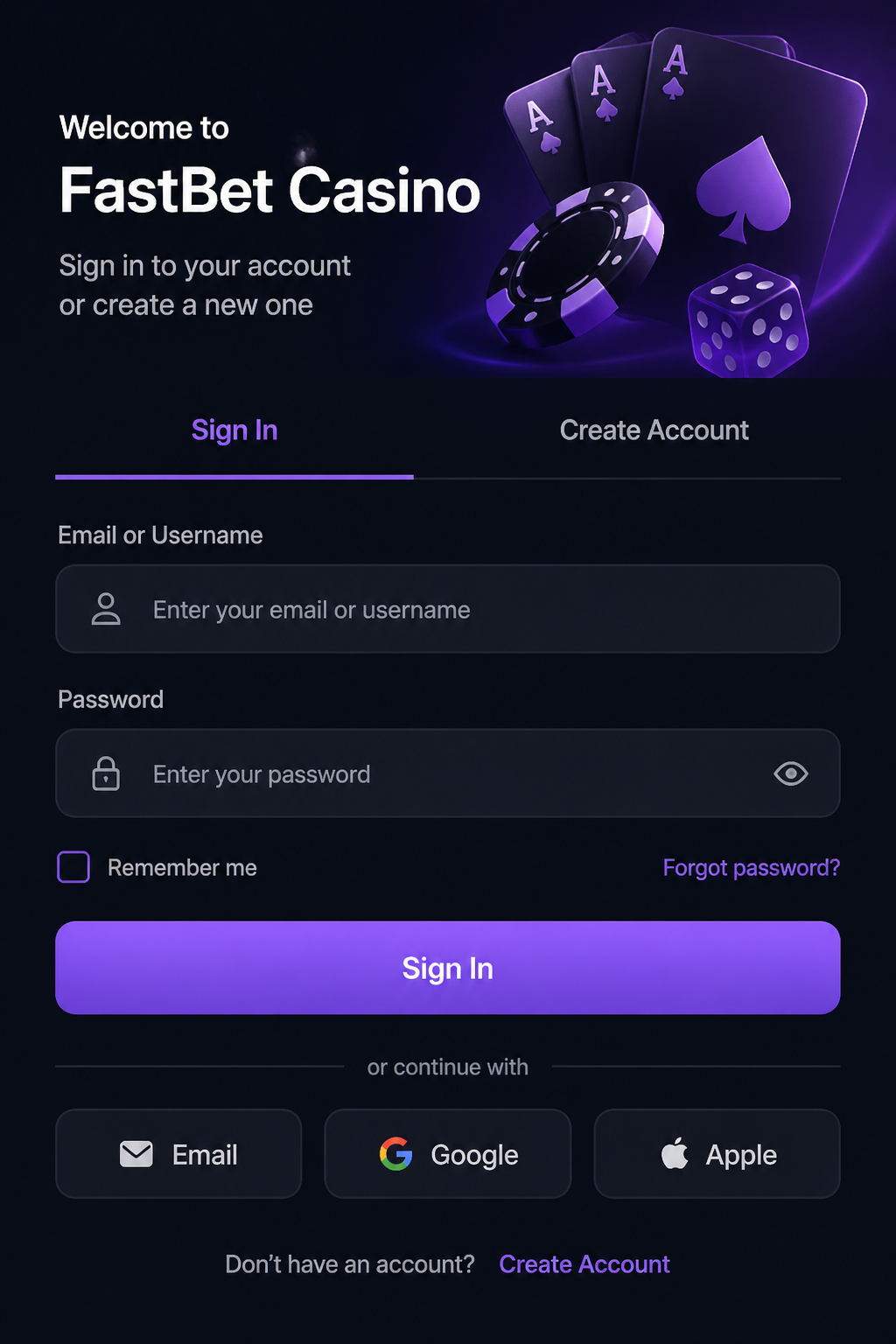
Using a casino from a phone is largely about clarity: can you find the rules, see your balance and confirm account actions without confusion? For FastBet, this mobile guide examines those everyday tasks rather than promising a specific app installation that has not been independently verified.
A responsive browser page, an icon saved to the home screen and a standalone mobile application can look similar. They are not interchangeable. Each has different considerations for updates, account access and security, so the source of any software matters.
| Mobile access | Review browser usability |
|---|---|
| Official download | Not independently confirmed |
| Account security | Review login and identity checks |
| Games | Check device and region availability |
| Payments | Current cashier methods vary |
| Safety | Trusted network and verified source |
Mobile usability becomes especially important when money is involved. A small display must still show the payment amount and confirmation clearly. A change in orientation or a lagging page should never push someone to approve a transaction they cannot fully read.
The same applies to game controls. Slots with several features and live games with timed decisions can be harder to manage when the interface is cramped or the connection is unstable. A good mobile experience supports deliberate action and easy stopping, not just faster access.
The following sections also cover document uploads, public networks, notification preferences and the difference between browser shortcuts and genuine downloaded software. Those details may appear less exciting than game graphics, but they shape everyday safety.
Picture a player switching from a banking screen back to a casino page after confirming a deposit. The site is still loading, the battery is low and the balance has not refreshed. Repeating the payment might feel like the quickest solution, but it can make the situation harder to reconcile. A better approach is to check the bank reference, review the account history and wait for clear transaction information before taking further action.
Mobile access is also about being able to leave. The interface should not make it difficult to close a session, find account controls or check the status of a previous action. Convenience matters most when it supports informed decisions instead of encouraging automatic repeated taps.
Judge the experience, not the icon
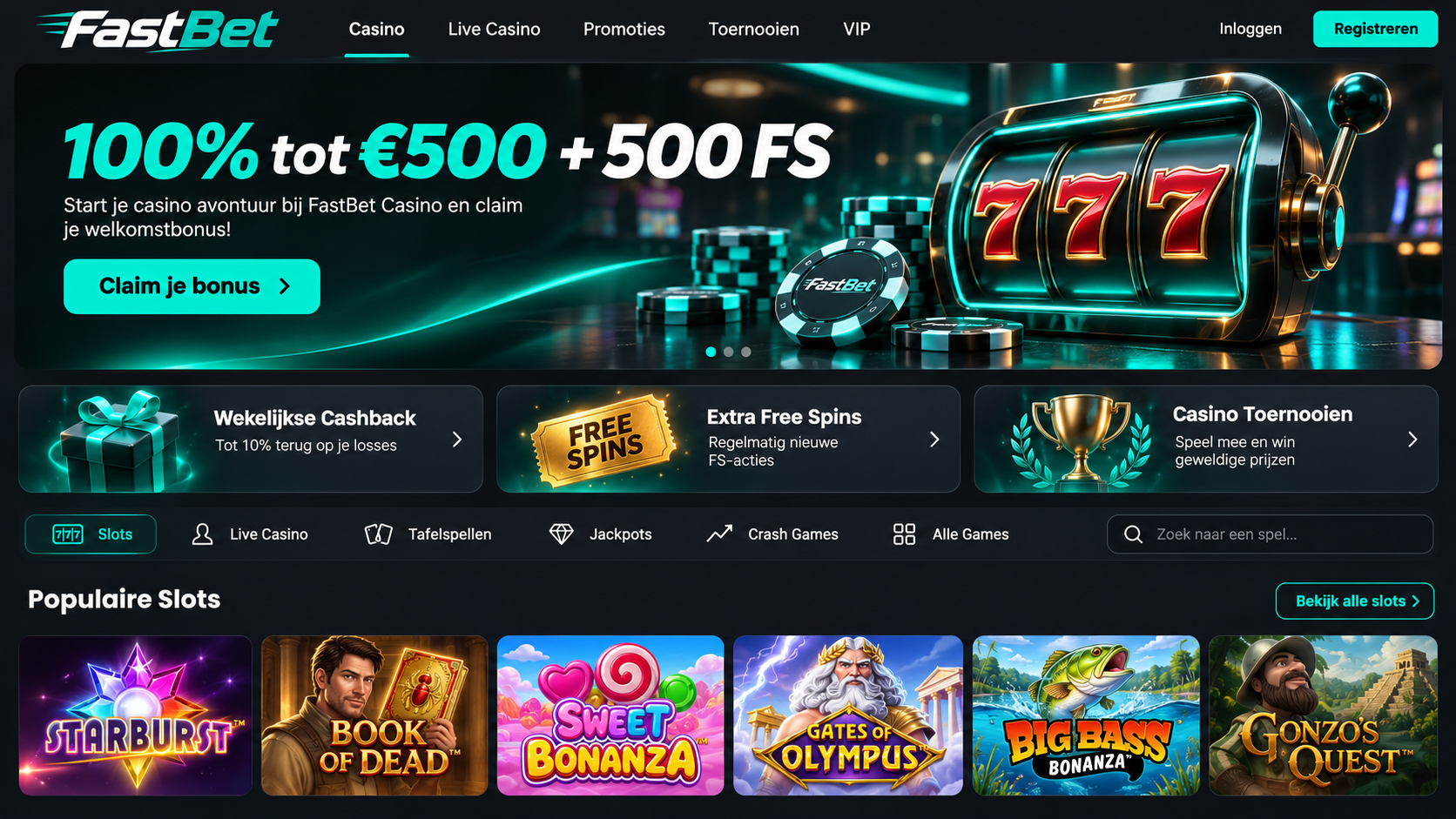
For FastBet, the important mobile question is whether the interface is usable, secure and easy to understand. A mobile website, a browser shortcut and a downloadable application are not the same product. An official installed app for this exact offering has not been independently verified.
On a small display, a hidden confirmation button can be more troublesome than a modest loading delay, particularly when handling payments. A calm interface can also support security. Users should be able to tell when they are navigating, submitting a payment or sharing personal information.
Check the site navigation and account screens before attempting an installation. Avoid files supplied through unfamiliar download pages.
The mobile browser remains a practical option
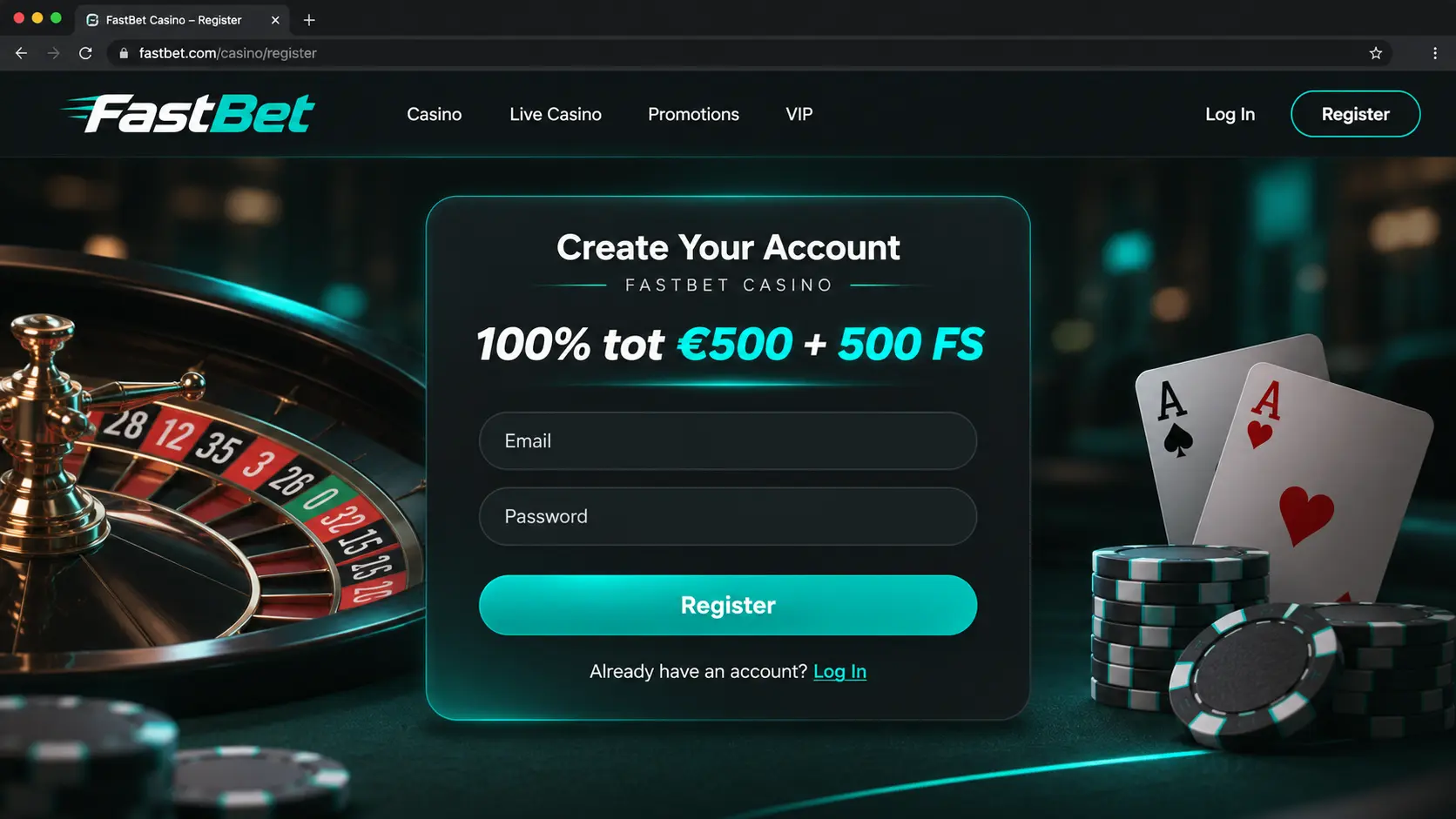
A responsive site can provide access without an additional download. Its behaviour will still depend on browser settings, operating-system updates and the quality of the website itself. A browser route is not automatically less secure or more secure than an app.
A page that fails to fit a narrow screen can hide important rules, table values or payment confirmation details. If a page jumps or controls shift unexpectedly, postpone sensitive actions. Poor mobile layout can cause real mistakes, not only visual irritation.
Use an updated browser and avoid continuing a payment if the full amount and destination cannot be read clearly.
A home-screen shortcut needs context
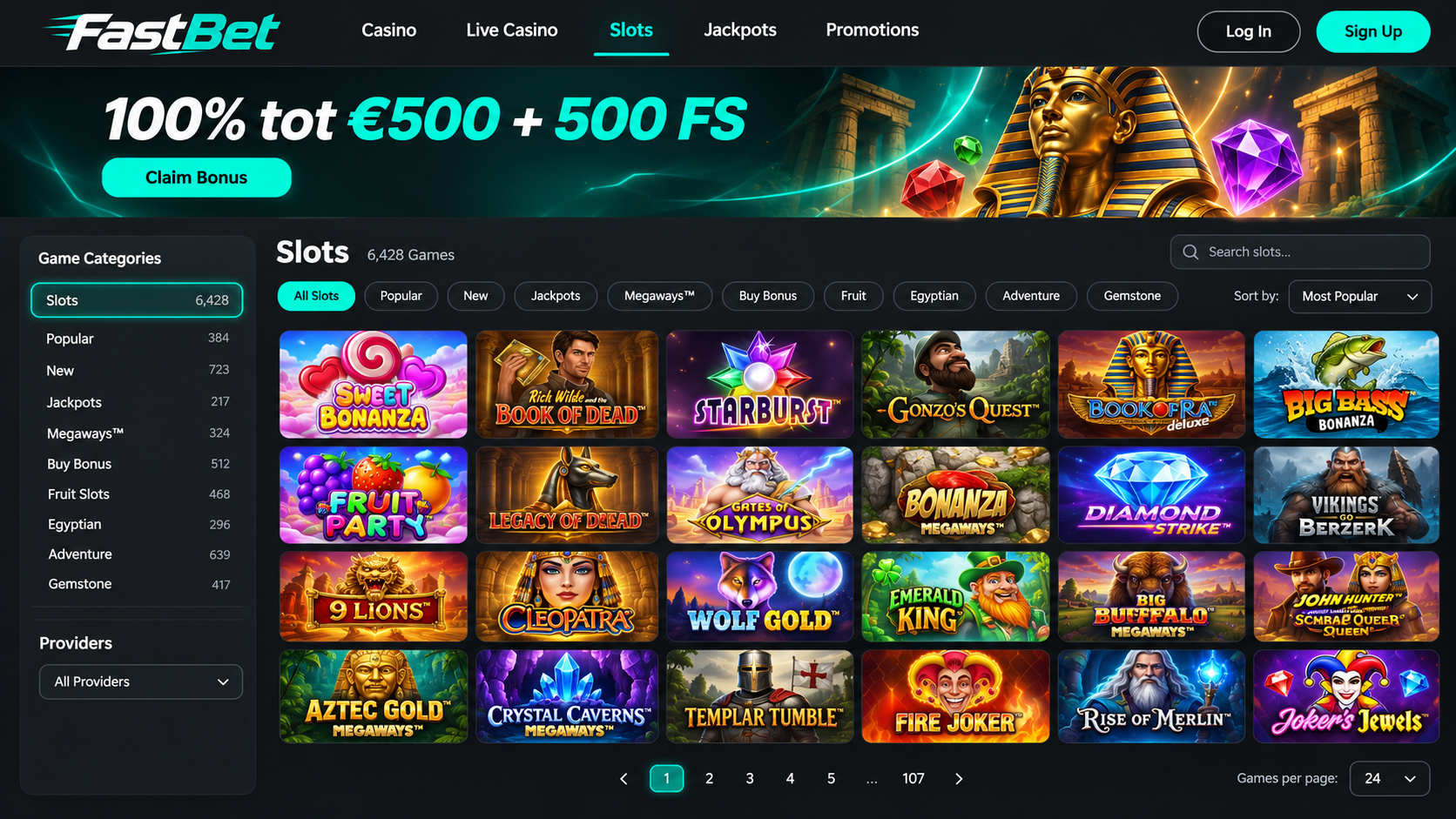
Most modern phones allow websites to be added to the home screen. This can improve convenience but does not turn the website into a separately reviewed app-store application. Security and privacy still depend on the browser and site configuration.
An icon alone gives little evidence about software provenance. The same picture could represent a shortcut or an installed program. The way an icon launches provides more information than its artwork. It may open an existing browser page rather than a separate installed application.
Check how the item was created and remove unfamiliar installations. Never provide account codes merely because a prompt claims an update is required.
Logging in on a small device
Typing account details on a phone can increase the chance of mistakes. Password managers may help on a personal device, while saving credentials on shared devices creates unnecessary exposure. Claims about one-click sign-in do not remove normal verification obligations.
A timed-out session can look like a broken page when the browser refreshes mid-action. Repeated login attempts may complicate the situation. Avoid automatic sign-in on shared devices. A few extra seconds entering credentials are preferable to unintended account access.
Use unique credentials, enable additional authentication if offered and sign out from any device other people can access.
Slots should remain readable
A mobile slot needs visible stake settings, balance information and controls that can be used without accidental taps. Some games adapt better to portrait layouts than others, especially when bonus features create more buttons.
A bonus-buy control placed close to a regular spin control can increase the risk of choosing a larger stake than intended. Small screens can conceal detailed game information. Take time to find the rules before choosing a higher stake or a special game function.
Verify the stake before play and skip games whose controls or instructions cannot be understood on your device.
Live games depend on network stability
Live streaming combines video, audio and timed decisions. Network interruptions can create uncertainty while a table round may continue on the service. That issue exists whether access is through a browser or an installed app.
Moving from Wi-Fi to mobile data can interrupt a live stream. Rapid-fire decisions are particularly awkward if the interface begins to lag. When a fast-paced round freezes, do not repeatedly tap. First establish whether the previous action was processed.
Play only when the wager and confirmation are visible. Check account history when the connection fails instead of immediately placing another stake.
Mobile deposits require careful confirmation
A mobile payment may redirect to a banking service or authentication screen. Available payment routes can differ by country and account, so a list of card brands or digital wallets is not a personal guarantee.
Returning from a banking app may leave the casino page updating for a moment. Repeating the deposit immediately could cause confusion about the first transaction. A payment page may take time to update after returning from a banking service. Check history before deciding to send funds again.
Review transaction history before attempting another payment, and keep a reference if funds have left the bank but are not credited.
Identity checks from a phone
Phones are convenient for photographing documents, but poor lighting and cropped edges can make a verification request take longer. We cannot independently confirm the exact documents FastBet will request for this particular offering.
An unclear photo or account name mismatch can create questions even when a player intended to supply correct information. Documents must be readable, but a safe upload route is equally important. An arbitrary chat link should never substitute for legitimate verification instructions.
Upload documents only through a legitimate secure channel and delete unnecessary copies from shared devices.
Data usage, battery and public networks
Video-heavy games can demand more bandwidth and power than ordinary browsing. A low battery or unstable public network makes account management and payment confirmation less comfortable.
Even a small technical interruption can feel serious when personal data or money is involved. Exact data consumption will depend on the games and device. A device struggling with heat or video playback is not ideal for long sessions. Technology should support deliberate decisions rather than rush them.
Use a reliable connection and a sufficiently charged phone, especially for withdrawals and document verification.
Notifications should remain under your control
Security alerts can be useful, while marketing messages may prompt unnecessary sessions. The exact alert and notification settings offered by FastBet have not been independently confirmed.
A reminder that a promotion is available is information, not a reason that someone must return to play. Turn off unnecessary promotional alerts where those settings exist. You can still take account security seriously without receiving every marketing reminder.
Review notification and privacy preferences if they exist. Keep useful security messages without allowing promotions to dictate your schedule.
Mobile access should make it easy to stop
A good interface should make logging out, checking limits and ending a session straightforward. Those functions matter just as much as quick access to games or a polished splash screen.
A design that highlights deposits but buries time or spending controls deserves careful attention. Easy logout controls and visible limits say more about practical mobile quality than elaborate artwork alone. They deserve a place in any usability check.
Decide how much time and money to spend before opening a game and close the session once either limit has been reached.
Choose a trusted connection, avoid unknown installers and ensure that logout controls and personal limits remain accessible. If a payment or game action becomes unclear, pause before tapping again.